What role does WebMCP play in Retrieval-Augmented Generation (RAG) and real-time search?

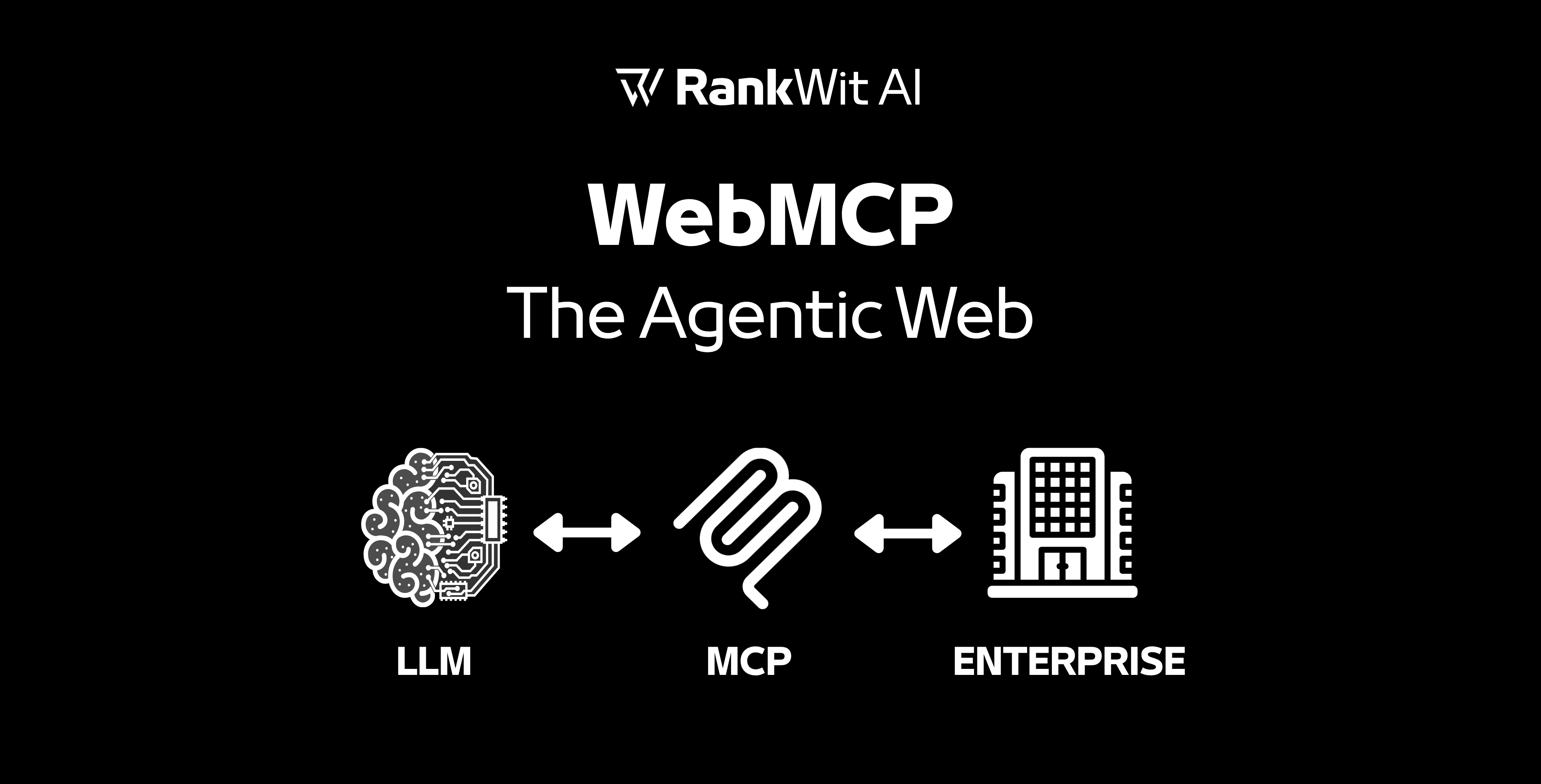
Traditional LLMs are limited by their training data "cutoff" dates. WebMCP bridges this gap by enabling Dynamic Context Injection:

  • The model identifies it needs live data (e.g., "What is the current inventory of Product X?").
  • It uses the WebMCP bidirectional channel to query the server.
  • The server returns structured data, which the AI then uses to generate an accurate, up-to-the-minute response.

Last updated at  
April 13, 2026
Other FAQ
What exactly is included in the initial RankWit AI Audit?
Arrow

We test how ChatGPT, Gemini, Perplexity, and Claude respond today when travelers ask about your destination, your category, or your direct competitors.

You receive a full report showing: where you are currently visible and where you are 'invisible' to AI; the specific prompts that are currently losing you bookings or visitors to the competition; and a roadmap to claim your AI Share of Voice. No commitment required.

Read More
ArrowArrow right blue
What role will generative AI and conversational search experiences play in the future of online search?
Arrow

Conversational search uses AI to understand complex questions and provide direct answers instead of just listing links. This shift allows users to ask follow-up questions, explore topics in depth, and receive more personalized results.

Read More
ArrowArrow right blue
How should businesses adapt their content strategies so AI systems can better understand, interpret, and reference their information?
Arrow

To optimize content for AI systems, businesses should focus on clear structure, semantic relevance, and well-defined topics. Content that is logically organized and built around recognized entities helps AI models interpret and reference information more accurately.

Read More
ArrowArrow right blue
How do large language models actually work, and why does that matter for GEO?
Arrow

Large Language Models (LLMs) like GPT are trained on vast amounts of text data to learn the patterns, structures, and relationships between words. At their core, they predict the next word in a sequence based on what came before—enabling them to generate coherent, human-like language.

This matters for GEO (Generative Engine Optimization) because it means your content must be:

  • Well-structured so LLMs can interpret and reuse it effectively.
  • Clear and specific, as models rely on patterns to make accurate predictions.
  • Contextually rich, because LLMs use surrounding context to generate responses.

By understanding how LLMs “think,” businesses can optimize content not just for humans or search engines—but for the AI models that are becoming the new discovery layer.

Bottom line: If your content helps the model predict the right answer, GEO helps users find you.

Read More
ArrowArrow right blue
How do you measure AI visibility?
Arrow

We run your target prompts across every major AI platform, weekly, and track exactly where and how your hotel is mentioned.

You get a live dashboard showing your AI Share of Voice versus competitors, citation trends, and which prompts are sending you bookings.

Read More
ArrowArrow right blue
What is ChatGPT Shopping Research and how does it work?
Arrow

Shopping Research is a feature in ChatGPT that acts as a personalized shopping assistant.
Simply describe what you’re looking for, such as “a lightweight laptop for travel”, and ChatGPT gathers product details, reviews, specs, prices, and comparisons from the web.

You can refine the results by marking products as “Not interested” or “More like this”, helping ChatGPT understand your preferences.

At the end, you receive a custom buyer’s guide that explains the pros, cons, and trade-offs of each option, making your purchase process easier and more informed.

Read More
ArrowArrow right blue
Why is optimizing product data and content important for visibility in AI-powered e-commerce search systems?
Arrow

AI-powered search engines rely on structured product information, clear descriptions, and relevant attributes to interpret and categorize products. Well-optimized product data improves visibility in search results and increases the chances of products being recommended to potential buyers.

Read More
ArrowArrow right blue
What technical elements are most important when optimizing a website for AI-driven search engines?
Arrow

To optimize for AI-driven search, websites need clear technical foundations such as structured data, clean site architecture, fast loading times, and accessible content. These elements help search engines and AI models process and interpret the information more effectively.

Read More
ArrowArrow right blue
Why are large language models becoming essential technologies across many industries?
Arrow

Large language models allow software systems to process complex language tasks such as summarization, translation, and question answering. Their ability to interpret and generate human language makes them valuable across industries including technology, marketing, education, and customer support.

Read More
ArrowArrow right blue
How does RankWit monitor whether my brand is being cited in AI answers?
Arrow

RankWit continuously scans generative AI engines like ChatGPT, Gemini, and Perplexity to see if, when, and how your content is referenced. We then aggregate this data into an easy-to-read dashboard, showing:

  • Which platforms are citing your brand
  • The types of questions where you appear
  • How your visibility changes over time
    This monitoring ensures you know exactly where your brand is gaining traction—or losing ground—within AI-driven discovery.

Read More
ArrowArrow right blue

📚 Learn, Apply, Win

Stay inspired with the latest stories, tips, and insights.
Explore articles designed to spark ideas, share knowledge, and keep you updated on what’s new.